
FAQ About LocaHelp

How do I reset my password?
LocaHelp allows users to reset passwords both before and after logging in.
Please follow the below steps to reset your password.
For users who access LocaHelp on a mobile device:
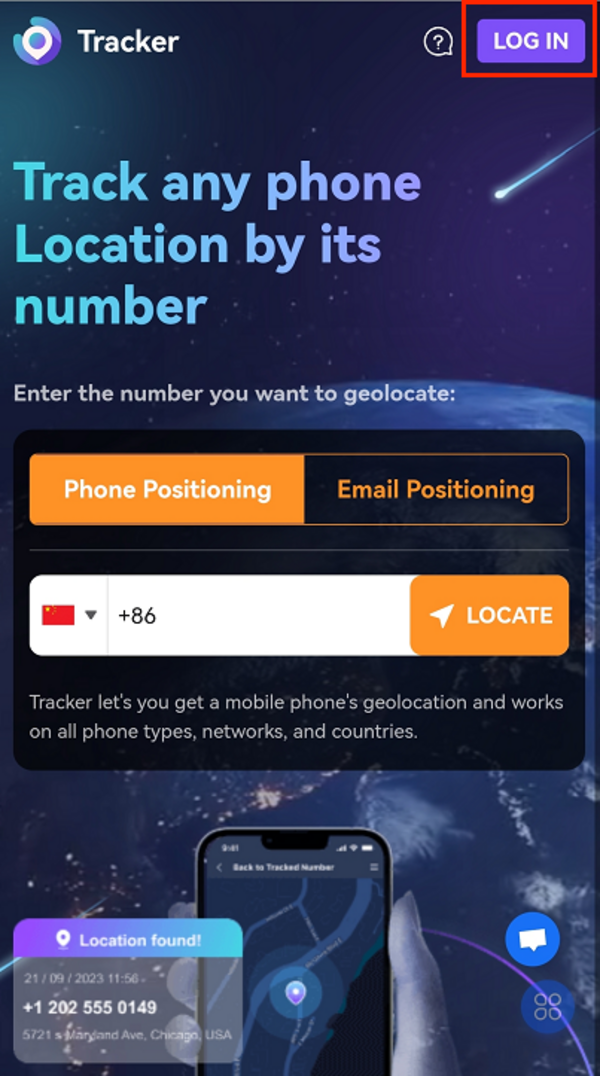
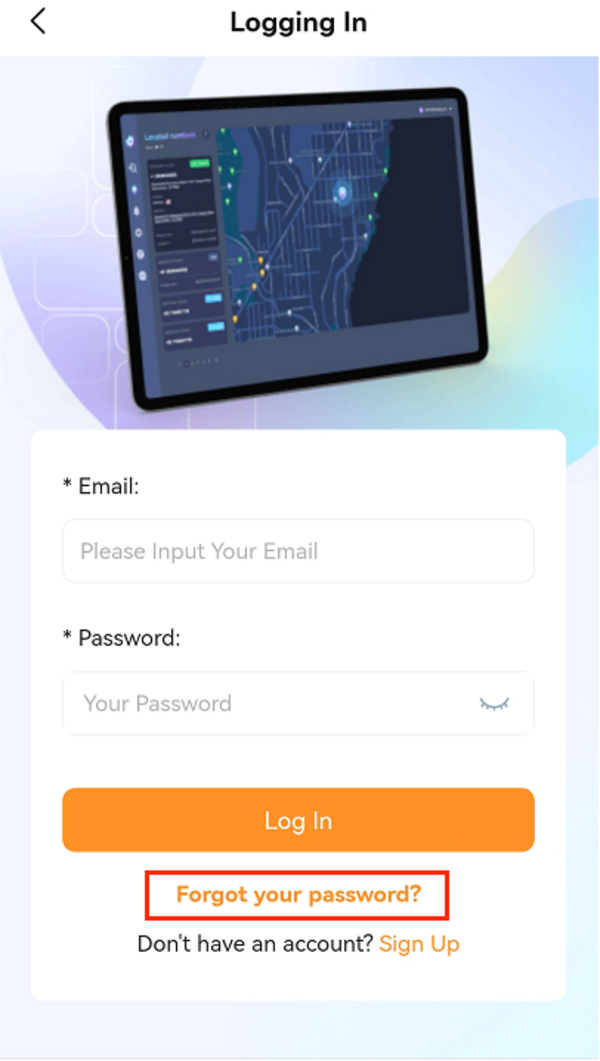
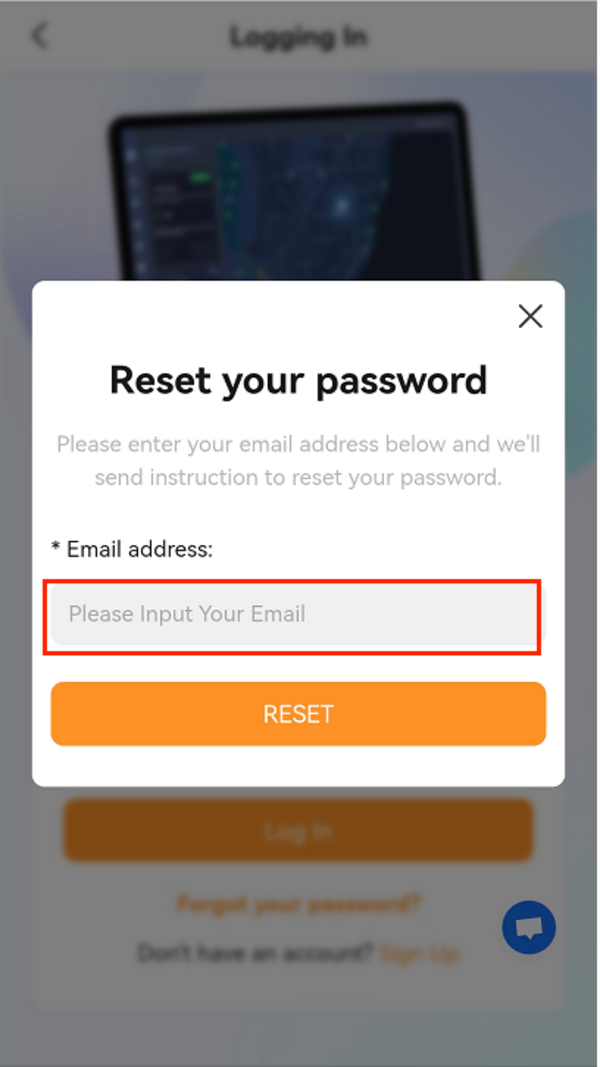
Pre-login:
Go to the login page- "Forgot your password" - Enter your user account on LocaHelp to reset the password
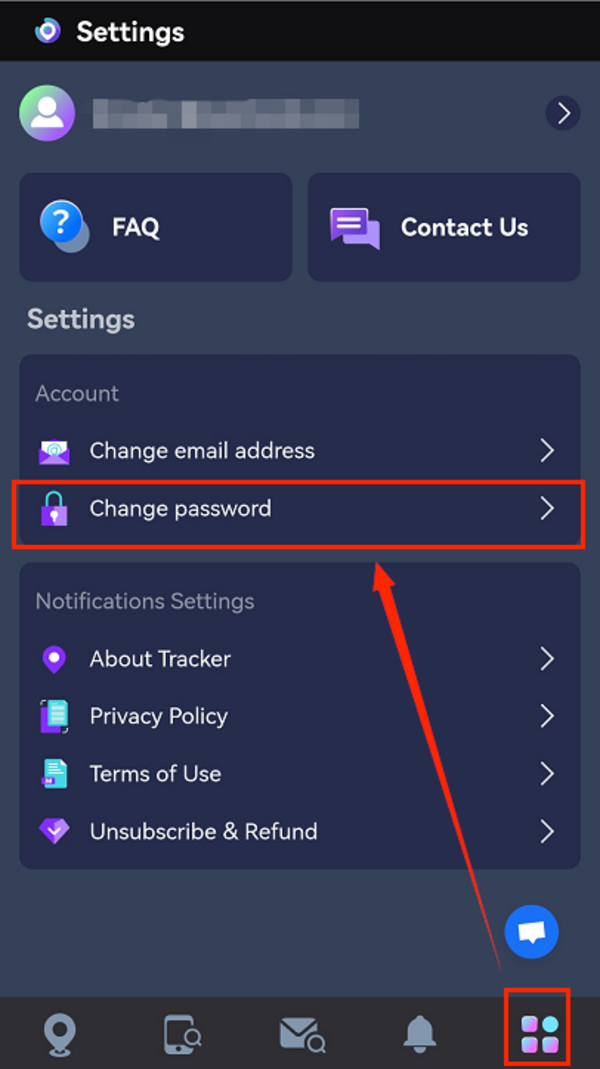
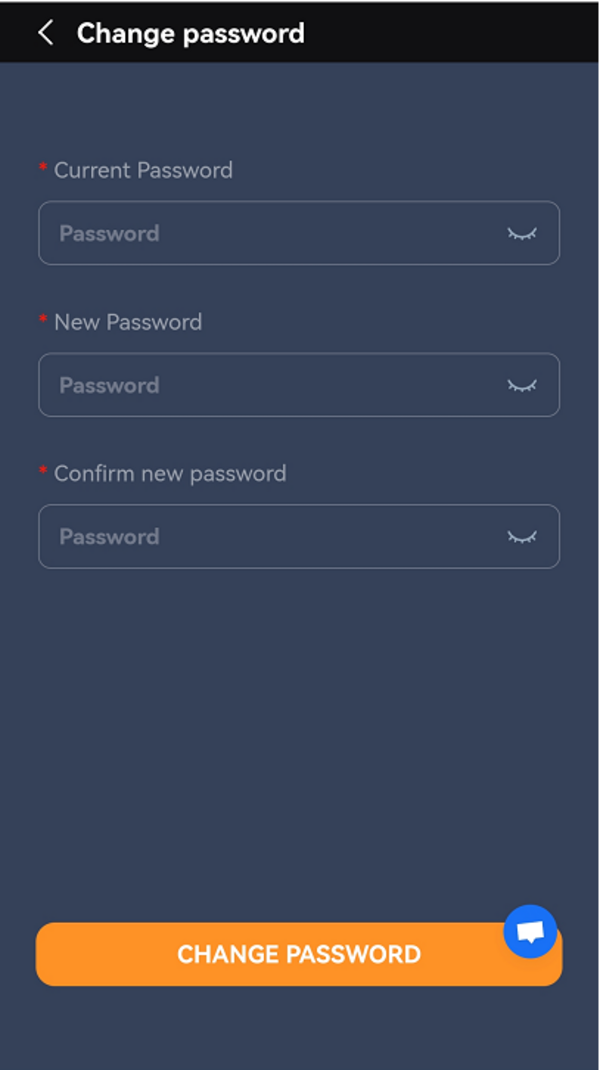
Post-login:
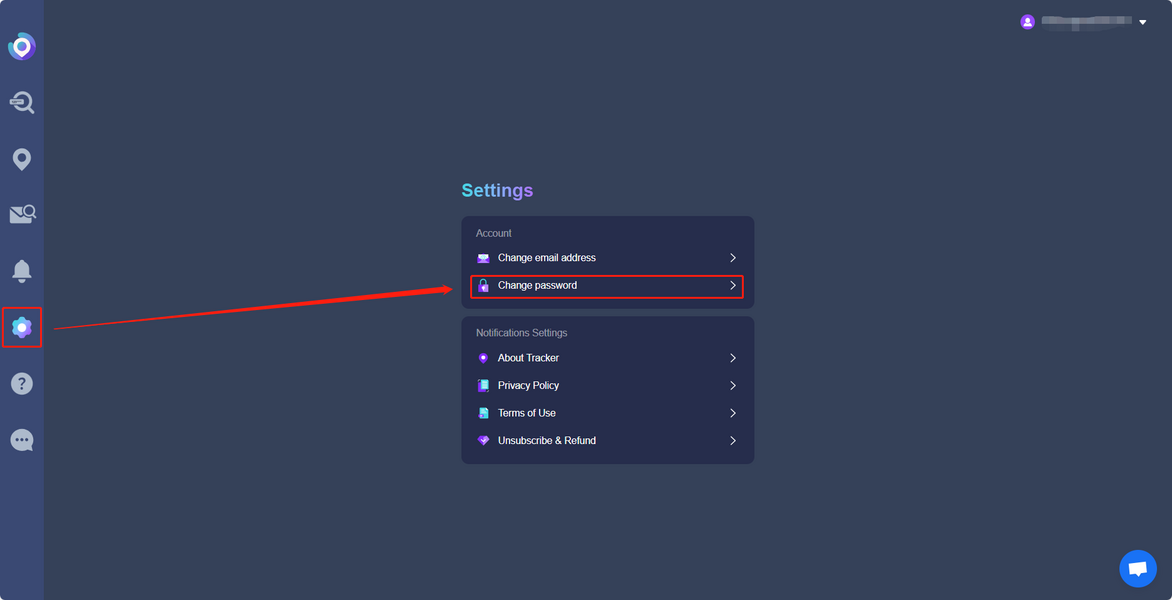
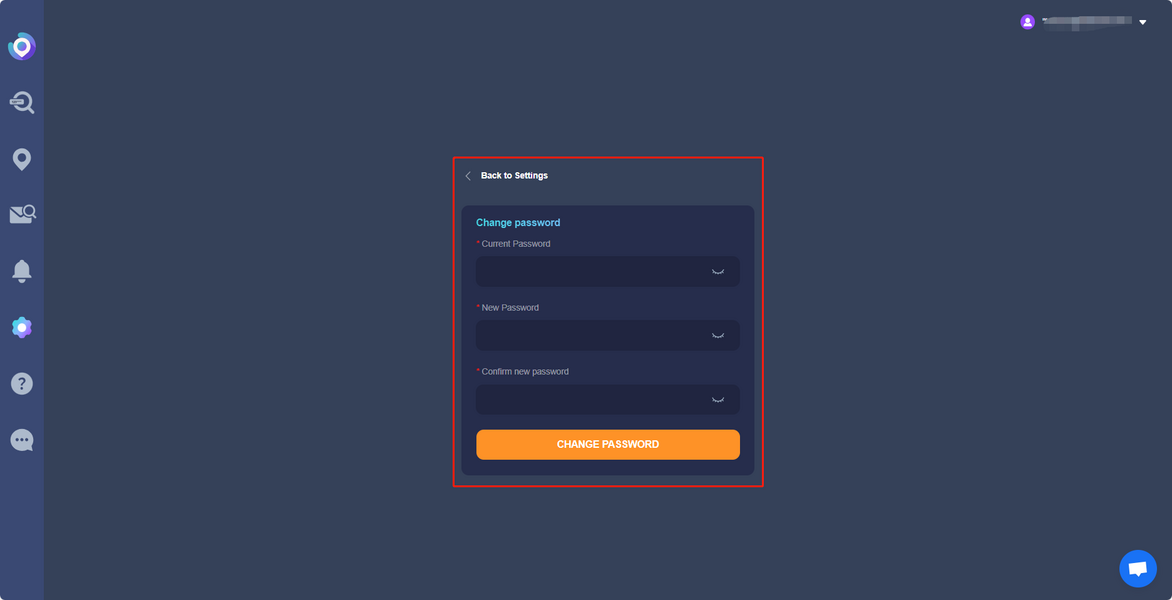
Click on the fifth icon to enter the settings page - "Change password"
For users who access LocaHelp on PC:Pre-login:
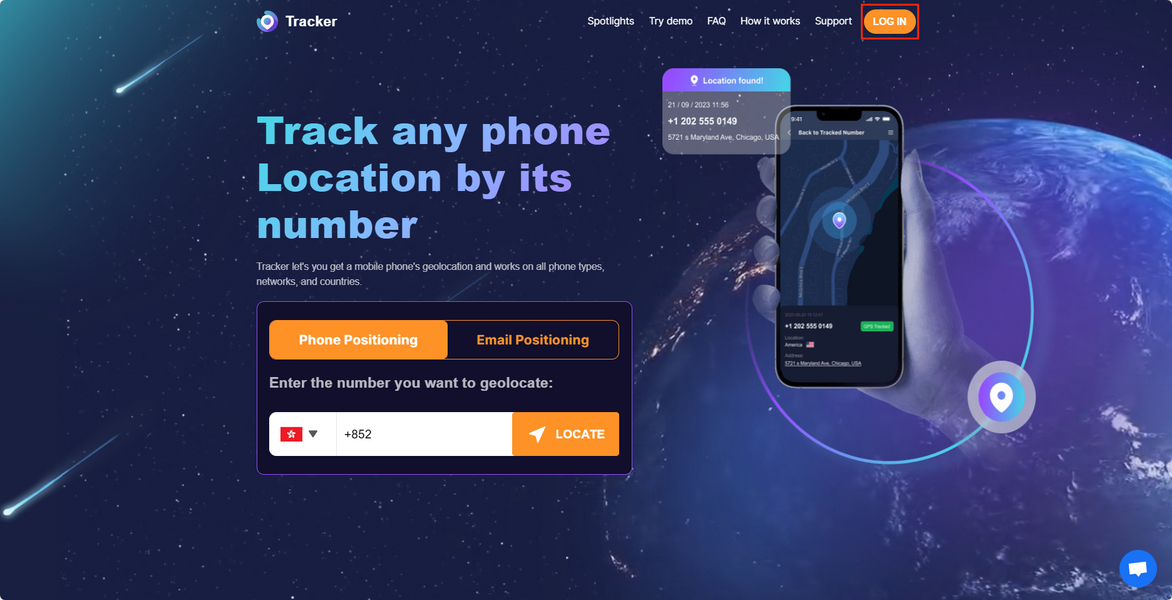
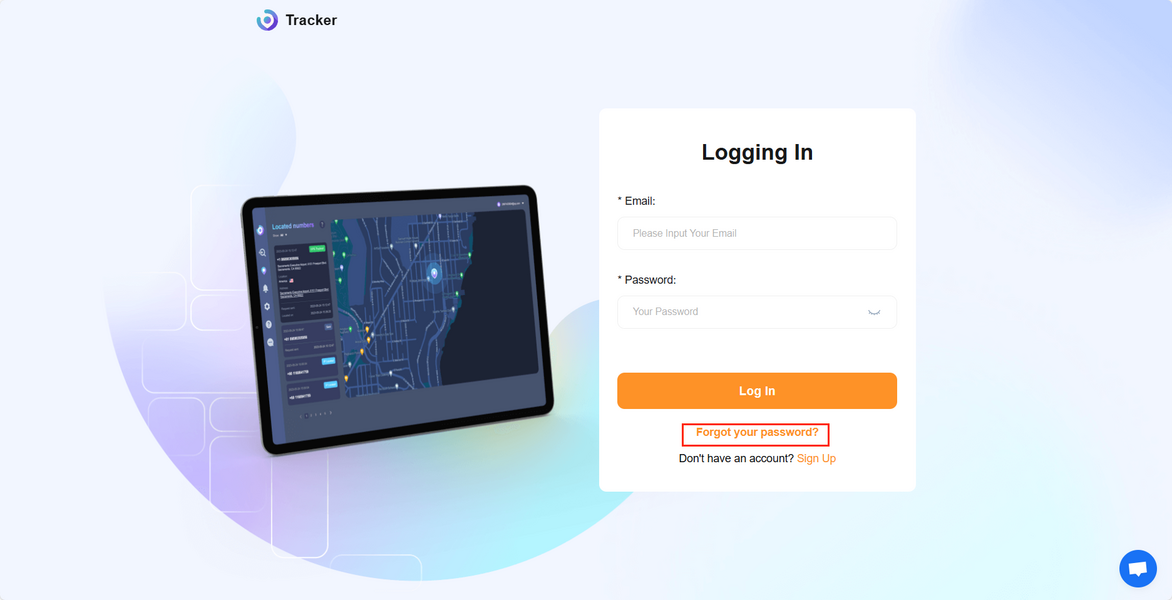
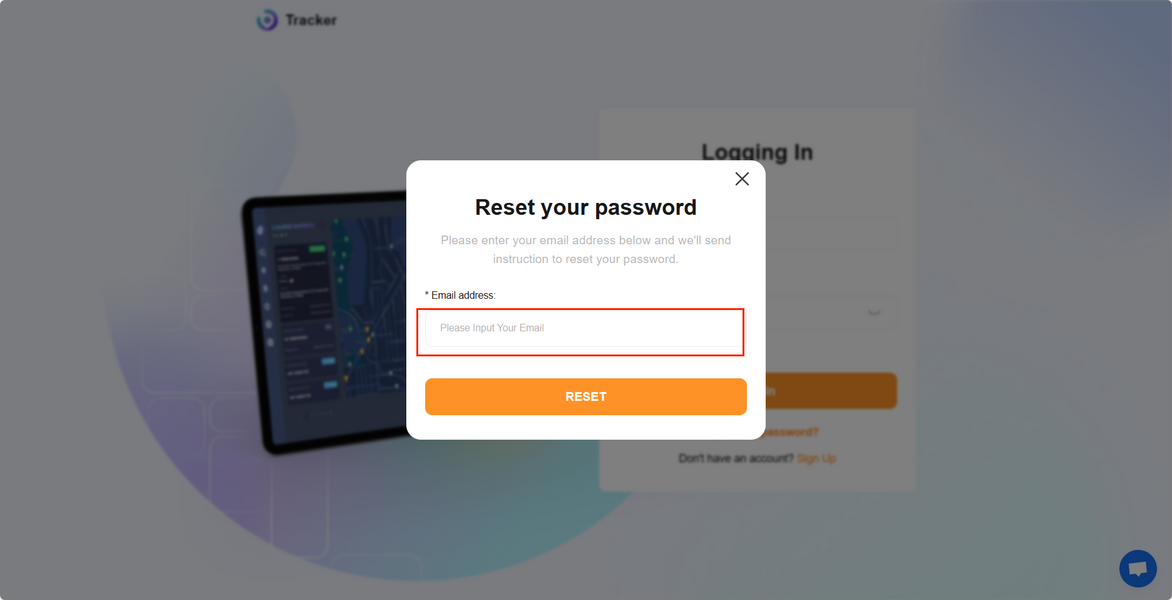
Go to the login page- "Forgot your password" - Enter your user account on LocaHelp to reset the password
Post-login:
Click on the fifth icon to enter the settings page - "Change password"
If you reset the password without success, please contact us via [email protected] with your user account and the new password, and we will ask our tech team for help.
