FAQ About Apex Cleaner

How do I clean up my phone's storage with one tap?
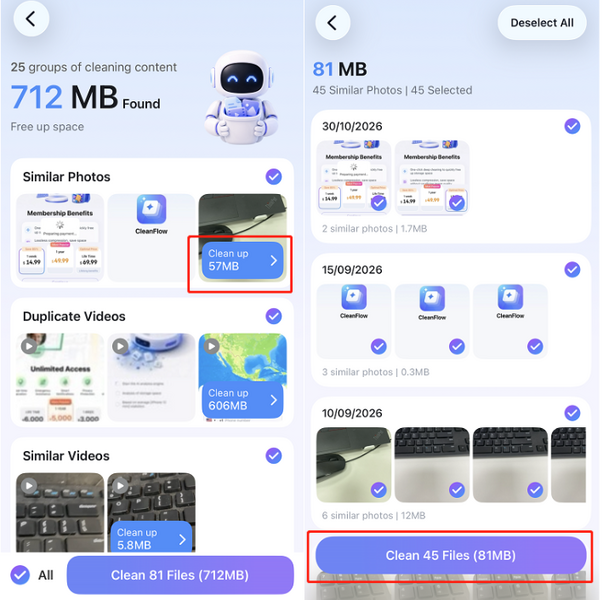
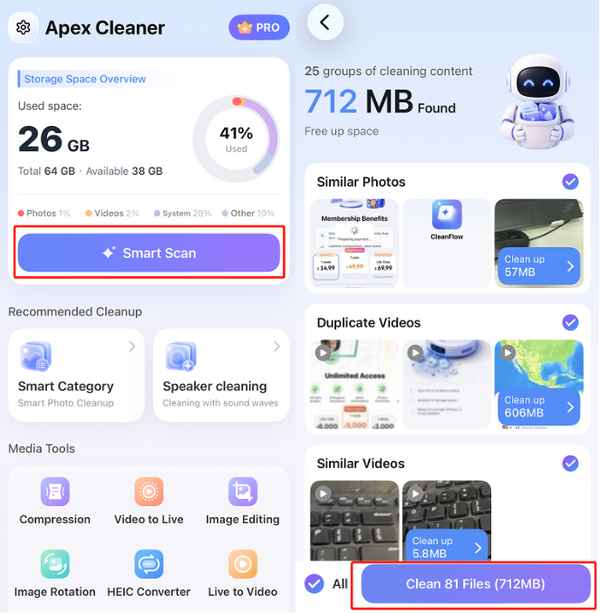
1. Tap Smart Scan. The app automatically detects all cleanable items on your phone (similar photos/videos, duplicate videos, blurry photos, etc.) and selects them all by default.
2. Tap Clean Files to clear everything in one tap.
3. (Optional) To review what was found before cleaning, or to exclude items you want to keep, tap any category to see the files it contains. Uncheck any item you don't want to clean.