FAQ About Apex Cleaner

How do I use Image Editing Tools?
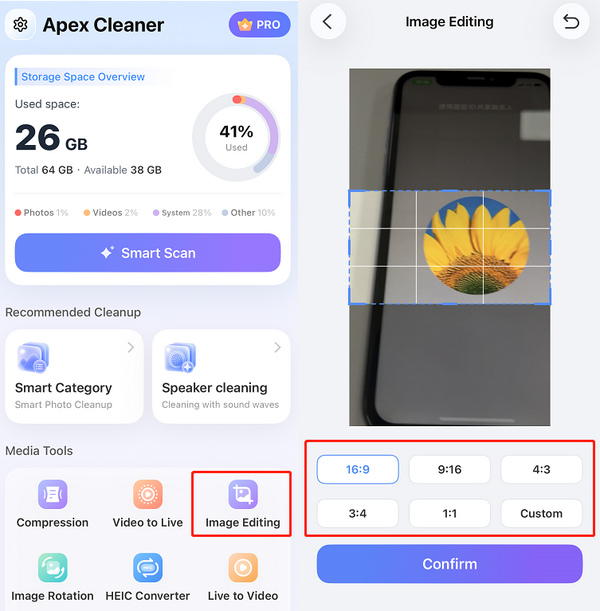
Resize — edit your image dimensions:
1. Select Image Editing.
2. Choose the image you want to edit.
3. Select the new dimensions you want to apply.
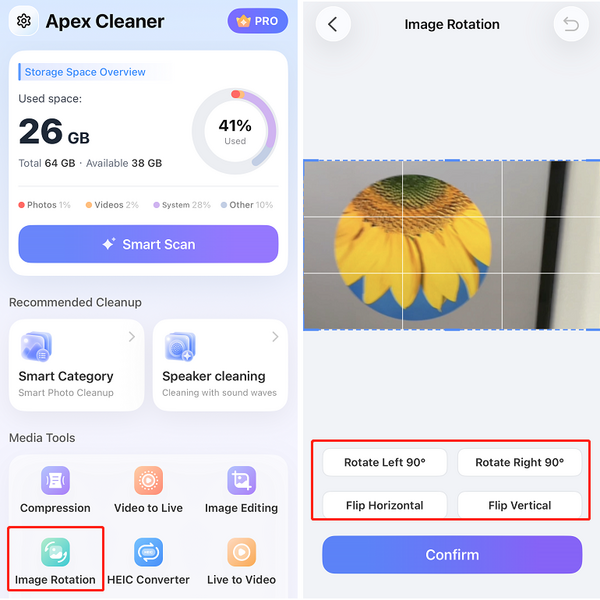
Rotate & Flip — change image orientation, such as rotating 90° left or flipping vertically:
1. Select Image Rotation.
2. Choose the image you want to edit.
3. Select the rotation direction (e.g., rotate 90° left or flip vertically).